AI in construction that brings the site to the office.
We build software and AI agents for contractors and project owners: site reports with a photo and a position, snag lists that follow each item until it is cleared, tender files read before the bid meeting. Designed for a phone on site, including where the network drops.
- Site reports
- Snag lists
- Tender files
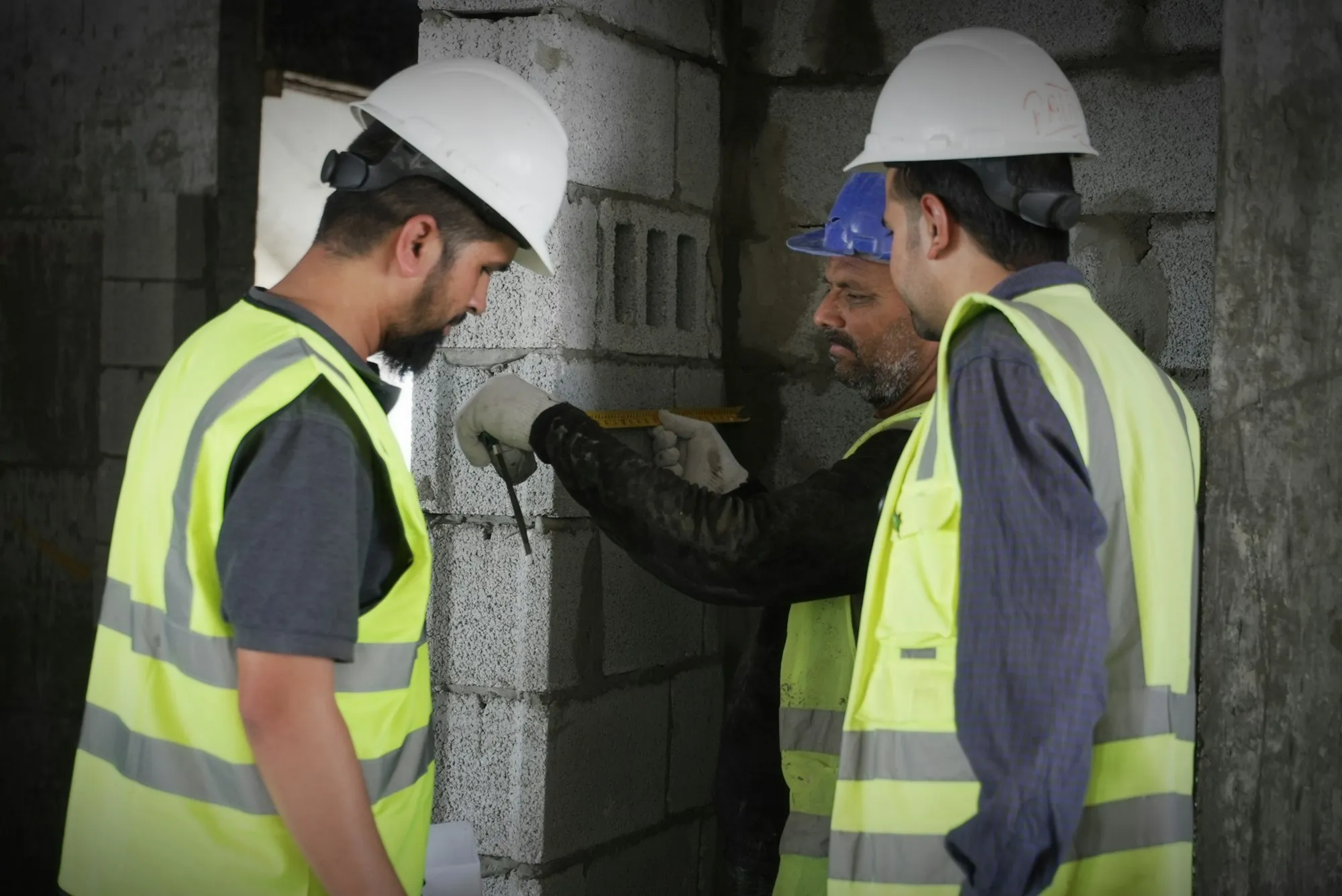
What AI in construction does for a contractor today
AI in construction pays off first on the information that travels between the site and the office. It reads site photos and notes, sorts reports by trade and location, follows each snag until it is cleared, and pulls the requirements out of long tender files. The software around it records who reported what, where and when.
On a site, information scatters fast: a report arrives by text message, the photo stays on a phone, a snag is written on paper and forgotten. A reporting tool that gives each item a status and an owner, with an agent filing what comes in, turns that stream into a list someone can act on.
On the bidding side, an assistant reads the consultation file, lists the requirements and the documents to provide, and drafts the parts of the technical proposal you rewrite for every tender. Your estimator checks and completes.
What your sites live with today
- Snags arrive as photo texts and get lost between the site manager and the office.
- Nobody knows which items are cleared until the handover meeting.
- The as-built file is rebuilt at the end from emails and memories.
- Tender files are long, and the deadline leaves one evening to read them.
- Residents and subcontractors report problems through channels nobody tracks.
Three construction workflows to equip
Each tool is designed for a phone on site first, with a weak network in mind.
01
Site reporting with position and status
Anyone on site reports an issue with a photo and a position. Each report gets a status, an owner and a history, and the office sees the whole site on one map.
Business applications02
Snags followed until cleared
Items from inspections are read from the report, assigned to the right trade and chased until the photo of the fix arrives. The handover list is ready when you need it.
AI agents03
Tender files read for you
The assistant reads the consultation documents, lists requirements, deadlines and documents to provide, and drafts the recurring parts of your technical proposal.
Document AI
AI in construction, from the tender to the handover
At each stage of a project, some information travels badly between the site and the office. Stage by stage, here is what the tool keeps.
| Project stage | Information at risk | What the tool or the agent keeps |
|---|---|---|
| Tender | Requirements and deadlines buried in long consultation files | A list of requirements, deadlines and documents to provide, and a draft of the recurring parts of your proposal |
| Site start | Who reports what, and to whom | Report types, locations and owners, set once for the whole site |
| Daily works | Issues sent as photo texts | Each report with its photo, position, status and history, saved on the phone when the network drops |
| Inspections | Snags noted on paper or in a meeting report | Each snag assigned to a trade and chased until the photo of the fix arrives |
| Handover | The as-built file rebuilt from emails and memories | The handover list and the history of each item, ready to export |
| Dispute or claim | Who knew what, and when | A dated record of each report and of what was done about it |
Real project, client kept private
A reporting platform for the tramway works of a European city region
A multi-year tramway project crossed 24 municipalities. Residents, technical teams and operators needed one way to report incidents and observations during the works, and it had to hold up in real conditions, for people not used to digital tools. We deployed a geolocated reporting platform across the whole city region.
Client kept private. The platform is software without an AI agent. It shows the base an agent needs on a site: reports with a position, a status and an owner.
- Reports located to the meter inside work zones that split a street into sections
- Processing steps set for a public body: validation, then assignment to the right department
- An acknowledgment for each report, and a tracked status until it was closed
- Clear choices on what the public could see, and when
- 3,000
- reports collected during the works
- 24
- municipalities covered
- 650,000
- residents concerned
- Multi-year
- service, with no critical interruption
What a site tool has to handle
- A weak networkReports are saved on the phone and sent when the connection returns, so a basement or a tunnel does not lose them.
- People who are not usersSubcontractors and residents can report without an account and without training. Your team decides what they see afterward.
- Photos of peopleSite photos sometimes show workers or passers-by. Under the GDPR, the tool keeps them in Europe, limits who sees them and deletes them on your schedule.
- A record that holdsEach report keeps who wrote it, when, where and what was done about it. That history is what you need at handover, or in a dispute.
Construction: your questions
Does it work without a network on site?
Yes, when it is designed for it. Reports are stored on the phone and sent when the connection comes back. We test that on your sites before going live. Photos wait in the same queue, even in a basement or a tunnel.
Can it connect to our planning tool or ERP?
Yes. Reports, snags and quantities can feed your planning, your ERP or your document management, through their API or their exports. Nothing is typed twice, and the office works from the same data as the site.
Can AI help with estimating?
It can read the tender file and your past bids, pull out quantities and requirements, and prepare a first pricing structure. The price itself stays your estimator’s call. The assistant shows where each quantity comes from in the file, so the check is quick.
How do we start?
With the free 30-minute assessment on one workflow, usually site reporting or tender reading. A first tool or agent typically goes live in four to eight weeks, scope and price fixed before we start.
Who sees the reports?
Your team decides. Each report has an owner and a status, and you choose what subcontractors, the project owner or residents can see, and when. On the tramway platform above, what the public could see was settled with the client before launch.
Keep exploring
- All industries What AI changes, sector by sector
- AI use cases Every use case, by function and industry
- Manufacturing Quotes, quality and after-sales
- Public sector Citizen requests and field reporting
- Real estate Leads, visits and tenant requests
- Business applications The site tool your team is missing
- ROI calculator The hours your office would get back
Put your site reports on one map.
Show us how a snag travels from the site to the office today. We reply within one business day and book your free 30-minute assessment.