AI contract review that knows your playbook.
The counterparty’s draft lands at 6 p.m. and the call is at 9. We build a review assistant on your own positions, fallbacks and past deals: it lists each clause that moves away from them, quotes the position it compares against and proposes your fallback wording. A lawyer accepts, edits or rejects every suggestion.
- Playbook deviations
- Fallback wording
- Redlines in Word
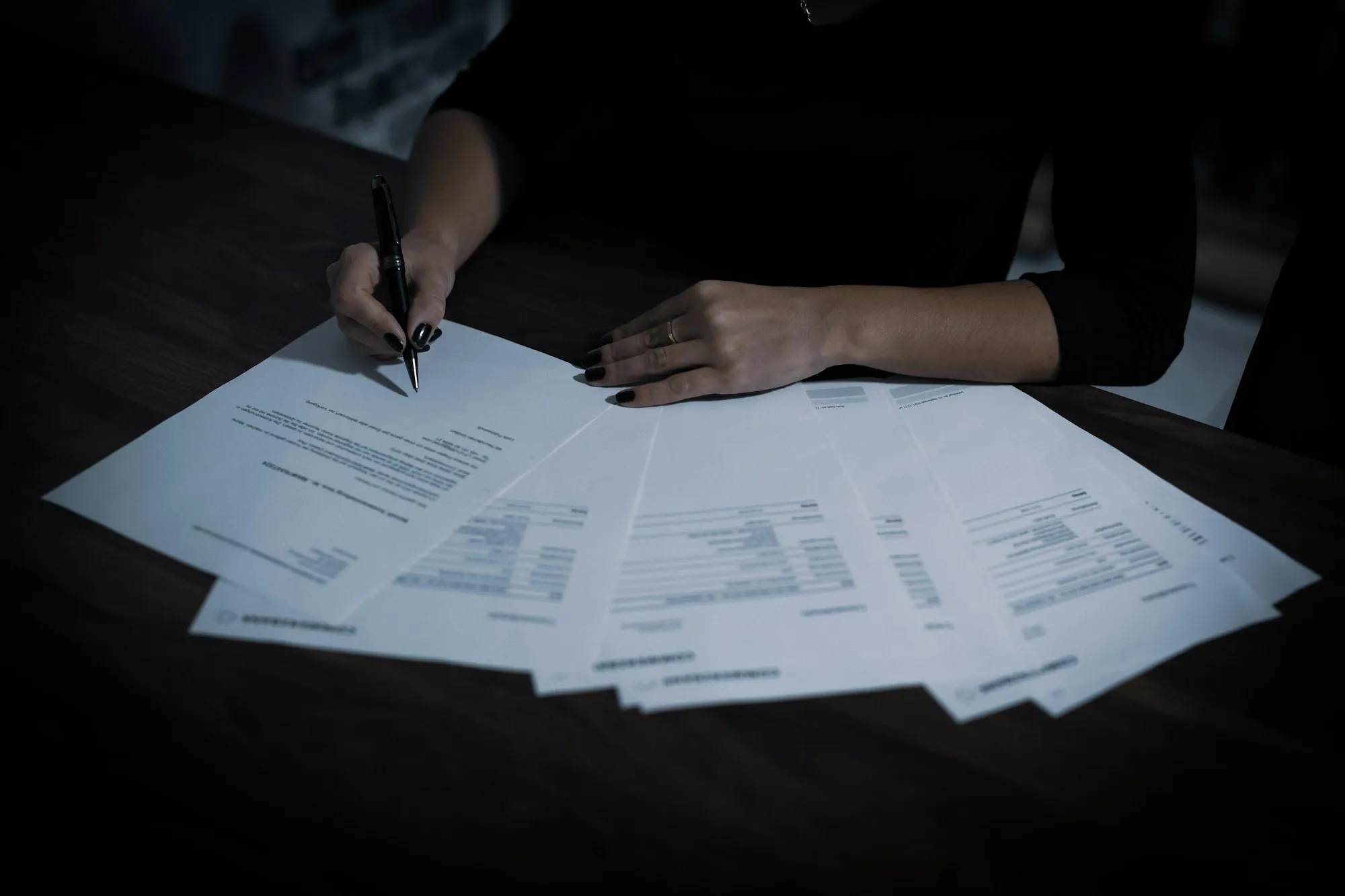
How AI contract review works on your documents
AI contract review compares a draft with the positions your firm or legal team has written down: liability caps, indemnities, governing law, termination, data protection. For each clause, the assistant says whether it matches, departs or is missing, quotes your position and the precedent behind it, and drafts the fallback. The lawyer decides on each line.
The output is only as good as the playbook, so we start there. In most teams it is scattered across old memos, email threads and a few senior heads. We turn it into a structured list of positions and fallbacks, corrected by your lawyers, before the assistant reads a single draft.
Drafts and precedents stay on your servers or on dedicated hosting in Europe. Read the confidentiality agreement as well: some NDAs restrict who may see the documents, and a model hosted by a third party can fall within that restriction.
What a review night looks like today
- The counterparty’s draft arrives late, and the call is first thing tomorrow.
- The playbook is a memo from years ago that nobody updates.
- Two associates review the same template and flag different clauses.
- Finding the fallback you accepted last time means searching old matters by hand.
- Most of the reading time goes on clauses that turn out to be standard.
Four reviews an assistant can prepare
From the first pass on an NDA to a full data room, the assistant reads and proposes. Every output is a draft for a lawyer.
01
First pass on routine contracts
NDAs, supplier terms and data processing agreements are compared line by line with your standard, then split into the clauses you can accept and the ones to negotiate.
Document AI02
Redlines with your fallback wording
For each clause that departs, the assistant proposes your fallback as a tracked change in Word, with a comment quoting the position behind it.
AI integration03
Precedents from past deals
Ask which cap you accepted with a similar counterparty and get the closest clauses from your signed contracts, each linked to its matter.
Knowledge assistant04
Data room and portfolio review
Change of control, assignment, exclusivity and expiry dates are pulled from a whole data room into one table, each line linked to its page.
Document AI
Manual review, a packaged tool or your own assistant
What changes for your team on each point. Packaged tools differ from one vendor to the next, so read their terms on hosting and data use before you compare.
| Point compared | Manual review | Packaged contract review tool | Assistant built on your playbook |
|---|---|---|---|
| Positions used | Whatever the reviewer remembers | The vendor’s templates, adjusted to you | Your written positions and fallbacks |
| Where documents go | They stay in the firm | The vendor’s cloud, under its terms | Your servers or dedicated hosting in Europe |
| Consistency between reviewers | Varies from one lawyer to another | Same rules for everyone | Same rules, with the source quoted on each flag |
| Where you work | Word and email | The vendor’s interface | Word, your document management system or your intranet |
| Who decides | The lawyer | The lawyer | The lawyer, with a log of each accepted suggestion |
| Ownership | Nothing to own | A subscription | Code, prompts and playbook belong to you |
Illustrative scenario
Thomas reviews a supplier agreement the night before a 9 a.m. call
A small in-house legal team, a supplier agreement from the other side at the end of the day, and a negotiation call the next morning. This scenario shows how the assistant fits into that evening. It describes no real client.
The live knowledge assistant shows the same retrieval: it answers from a fictional distributor’s procedures and cites the passage behind every claim. It does not review contracts.
- Thomas drops the draft into the review page of the team’s intranet.
- The assistant compares each clause with the team’s playbook and flags the ones that depart from it.
- For each flag, it quotes the position and proposes the fallback wording.
- Thomas accepts some fallbacks, rewrites one himself and prepares his notes for the call.
- The redlined draft and each of his choices stay in the team’s log.
The professional rules that still apply
- The lawyer stays responsible for the review.ABA Formal Opinion 512 (July 29, 2024) ties Model Rule 1.1 to understanding “the benefits and risks associated” with the technology used. We document how the assistant compares, what it is told to ignore and where it can be wrong.
- Client information stays confidential.The same opinion recalls Model Rule 1.6: information relating to the representation stays confidential unless the client gives informed consent. That is why drafts are processed on your servers or on dedicated hosting in Europe, under a contract that rules out training on them.
- Billing reflects the time spent checking.Opinion 512 notes that time spent reviewing an AI draft for accuracy may be charged, while, in most circumstances, learning the tool may not. The log shows what the assistant proposed and what the lawyer checked.
- Check the NDA before indexing a data room.Confidentiality agreements often limit who may access the documents. We read that clause with you before any upload, and keep each data room in its own space.
Contract review: your questions
Can AI contract review replace a lawyer?
No. It does the first read and drafts proposals; the lawyer accepts, edits or rejects each one and signs. ABA Formal Opinion 512 keeps the duties of competence and confidentiality on the lawyer, whatever the tool.
What if we have no written playbook?
Then the first weeks build one. We extract positions from your recent signed contracts and memos, your lawyers correct them, and the assistant starts only once they approve the list.
Does it work inside Word?
Yes. Suggestions can arrive as tracked changes and comments in the Word document, or in a review page on your intranet. Your document management system remains the place where versions live.
Which contracts does it handle best?
Recurring ones with a clear standard: NDAs, supplier and customer terms, data processing agreements, leases, distribution agreements. One-off deals benefit too, mostly through precedent search and data room extraction, where the playbook matters less.
Does it read contracts in other languages?
Current models read and compare contracts in the main European languages. We test on your own documents in each language before go-live, and the assistant says when it is unsure of a clause.
How long before it runs?
A first assistant usually runs in four to eight weeks, playbook included, on a scope and price fixed in writing before we start. The free 30-minute assessment starts from one contract type.
Walk into the 9 a.m. call with every clause checked.
Pick one contract type you review every week and describe it in the form. Within one business day we reply to set up your free 30-minute assessment, and we talk through what a first pass would flag on it.